 Diary Box
Input bar
Pick the box as you write
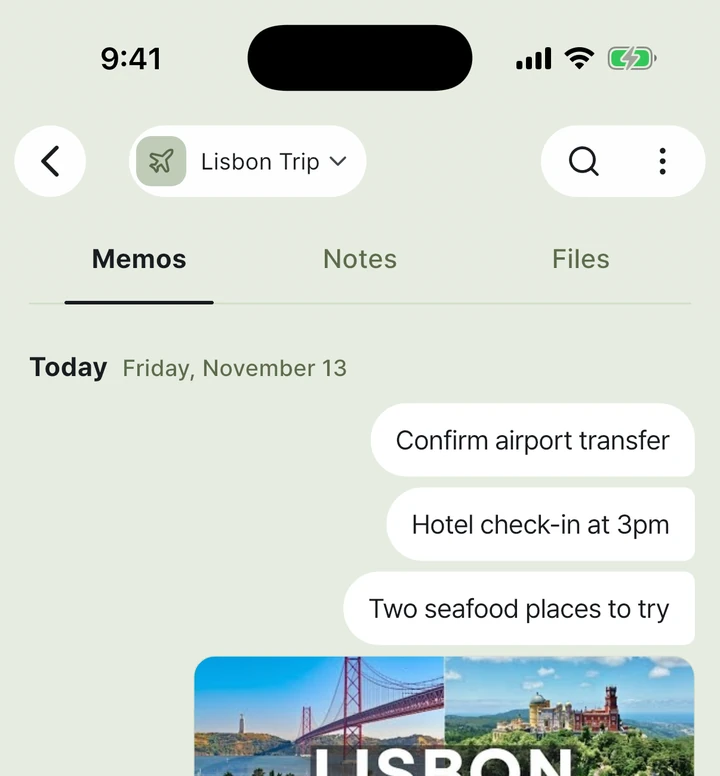
Pick a box on the left of the input bar and write. Inside a box the screen takes on the box colour, so you always know where you are writing.
A memo app that keeps your memos in boxes. Pick a box when you write, and open that box when you need it.
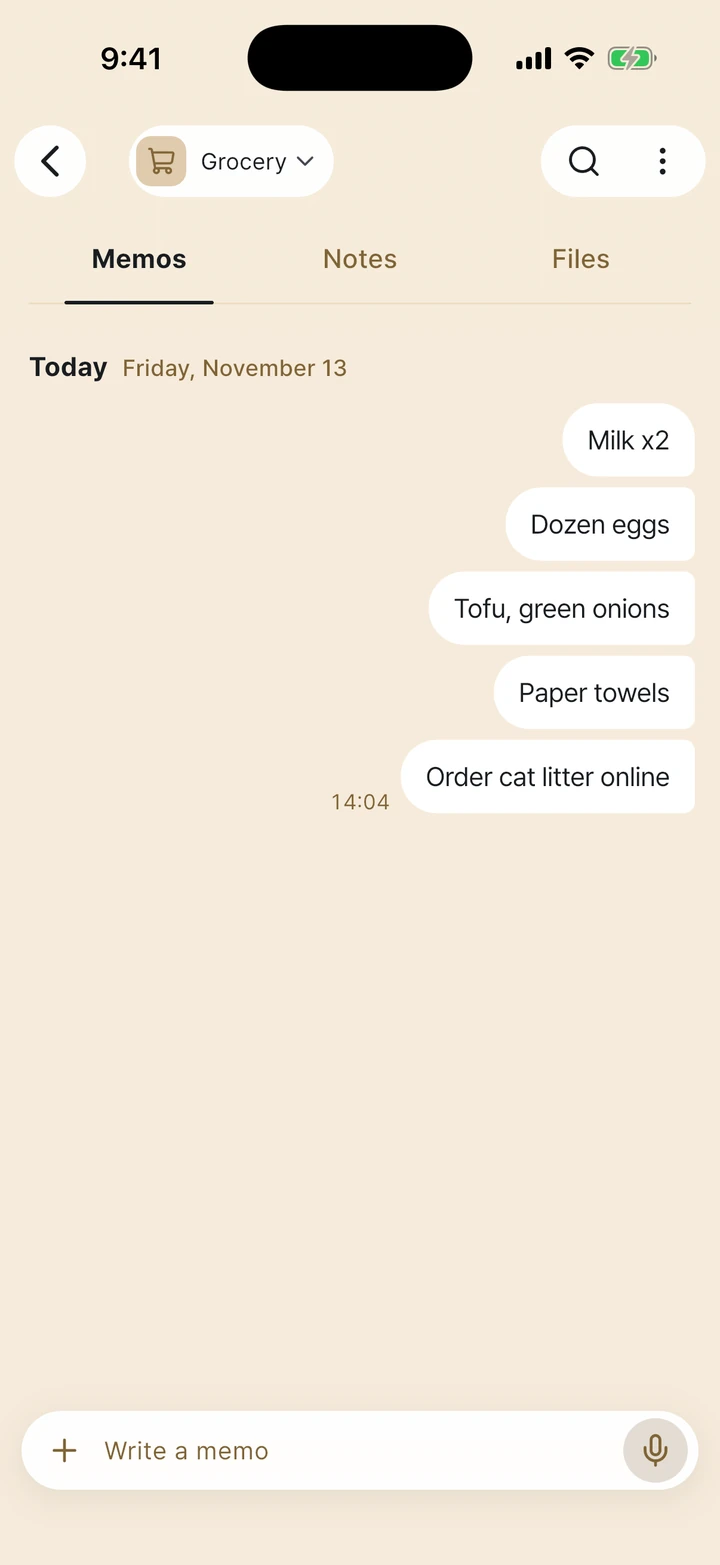
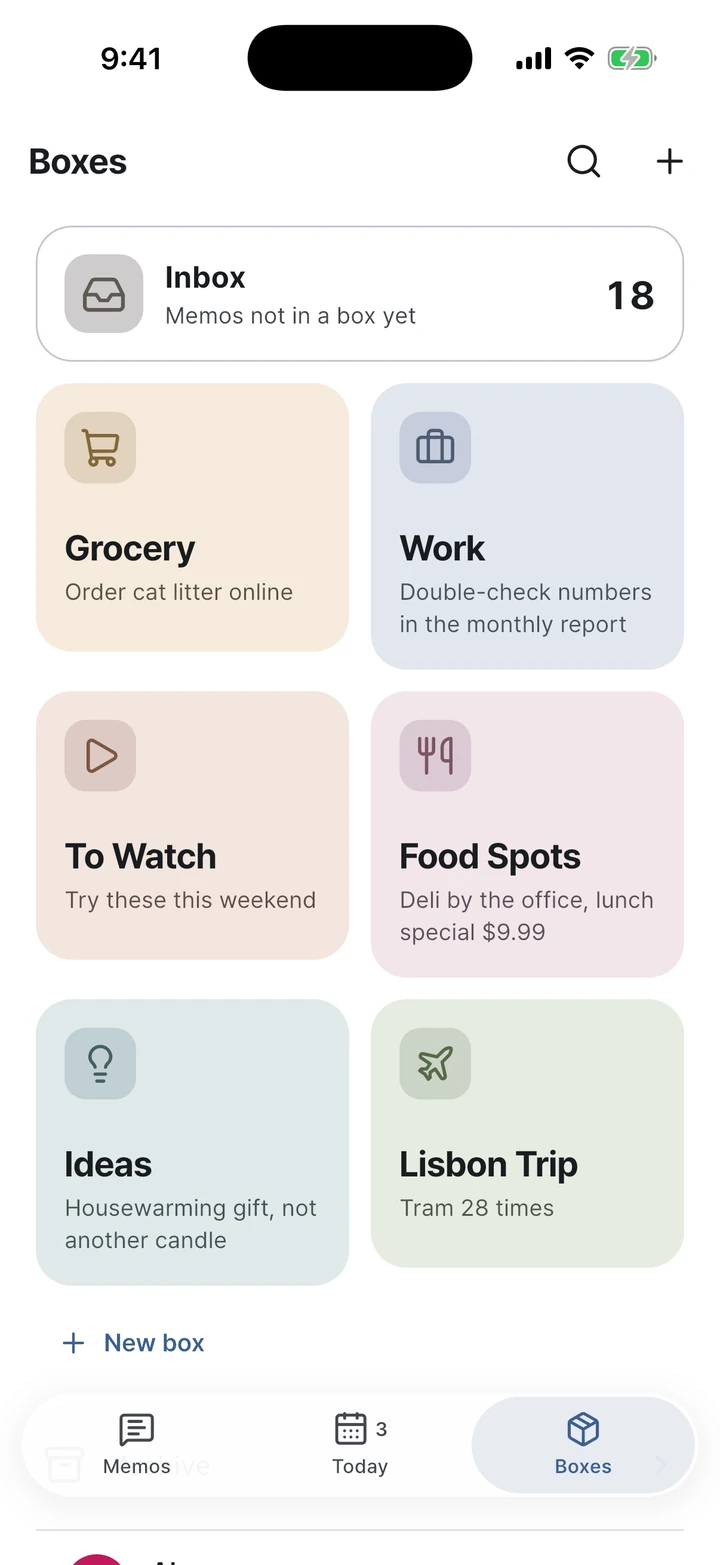
Pick a box on the left of the input bar and write. Inside a box the screen takes on the box colour, so you always know where you are writing.
Links get a title and preview, and photos and files go into boxes like memos. The Files tab in each box shows them together.
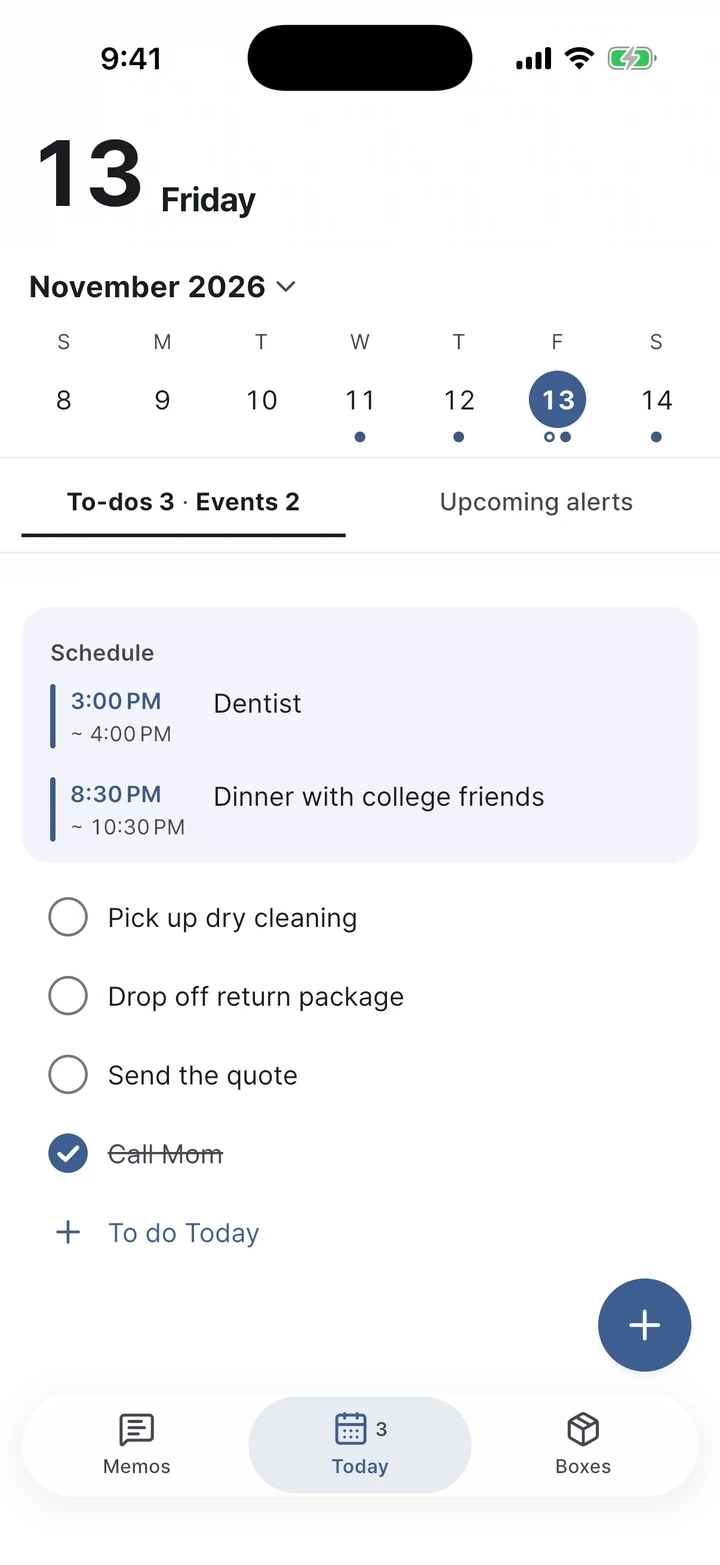
See today's to-dos and events on one screen. Set a time and you get a reminder then.
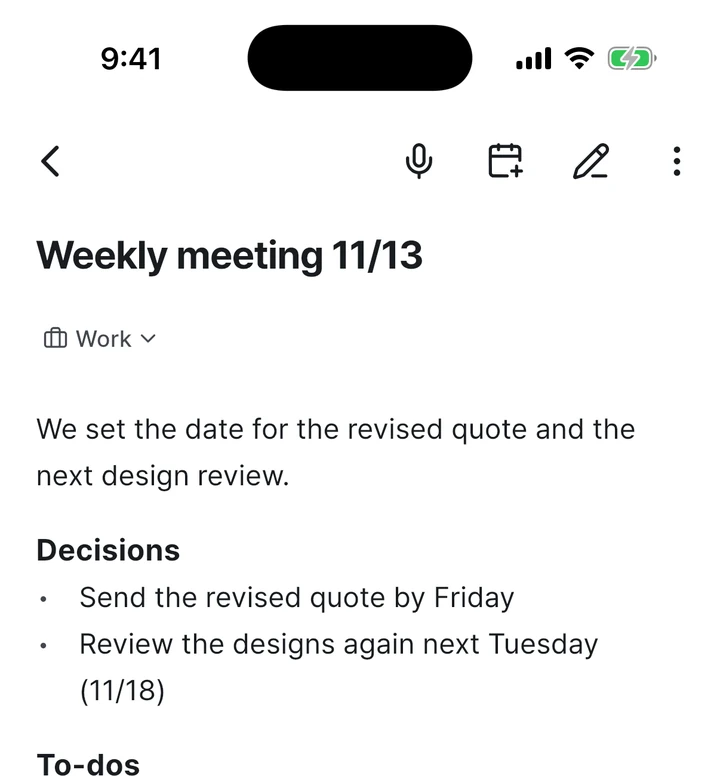
When a memo is too short, write a note inside the box. Notes support headings, lists and checkboxes.
Export your messenger chat with yourself and share the file. The memos land in the Inbox with their original dates.
Lock the app with Face ID, fingerprint or your device passcode. Memos are saved to your account, so they stay when you change phones.
Connect only the boxes you choose to an AI like Claude so it can read and organise your memos. How to connect
Sign in with the same account and your boxes and memos are all there. Get started with Apple, Google or Kakao.

Scan with your phone camera to go to the right app store for your phone.
Switch to Pro when you need more boxes.
Everything in the basics
Monthly · Yearly (14-day free trial)
On the free plan, a small ad appears at the top of the memo screen. Prices are shown on the Pro screen in the app and in the store.
Yes. Writing, boxes, search, the quick memo widget and the Today screen are all free. On the free plan you can make up to 4 boxes; if you need more, choose Pro.
No. Memos stay in the box you wrote them in. When you move memos out of Inbox, the boxes you used before come first, so it takes one tap.
If you’ve been messaging notes to yourself, save that chat as an export file and share it to Diary Box. The memos land in Inbox with their original dates, and you can select several and move them into a box at once.
Memos are saved to your account, so sign in with the same account on the new device and they’re all there. You can also lock the app. For details, see the Privacy Policy.
iPhone, iPad, Android, Mac, Windows and the web. Write on one device and it shows up on the others right away.
It's free to start, and your memos are the same on every device.